01
Review inbox
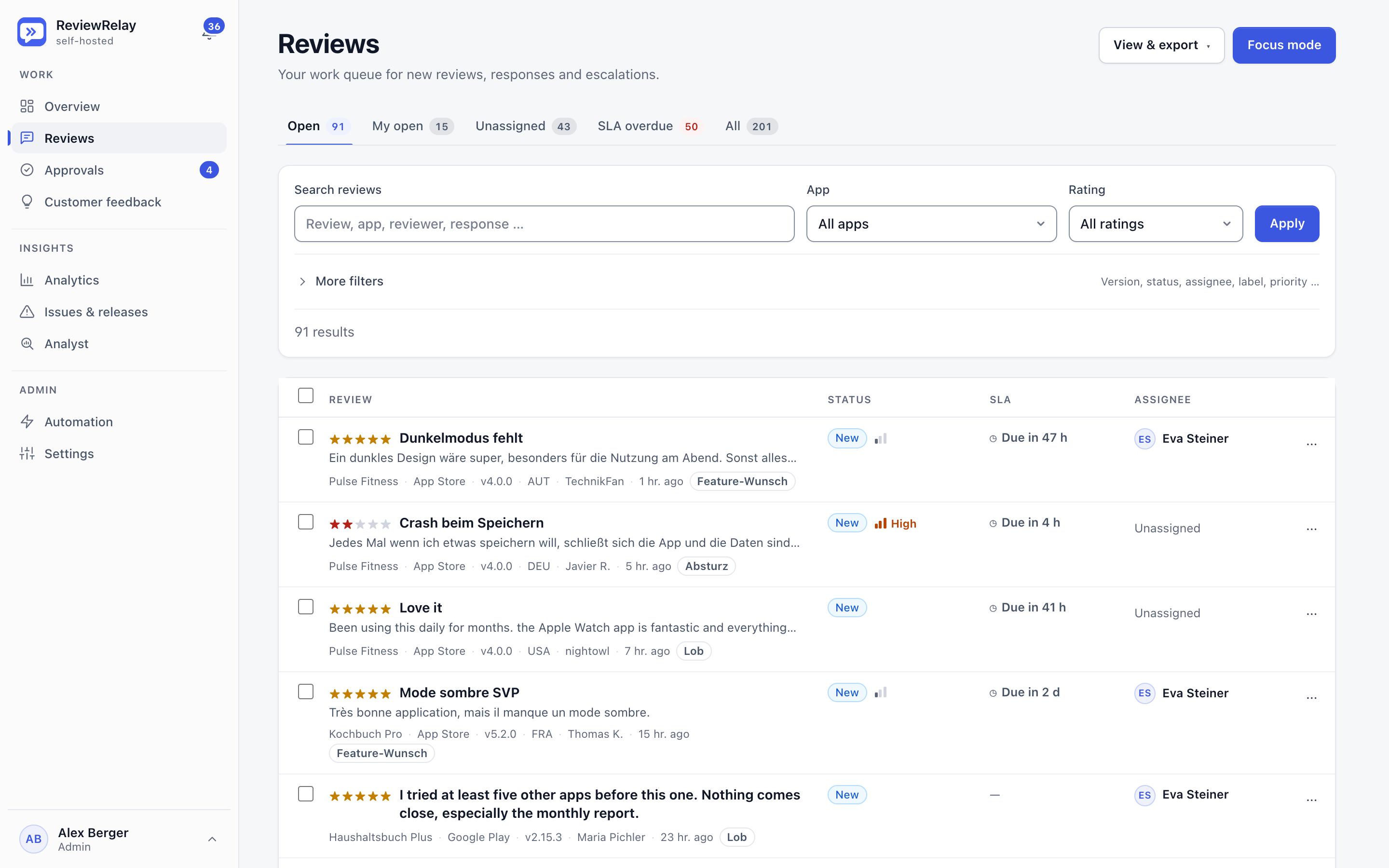
The work queue combines App Store and Google Play reviews with filters, status, priority, due dates, assignees and labels.
For app teams that answer to users
ReviewRelay brings App Store and Google Play reviews and customer feedback into one self-hosted workspace. AI writes the drafts, your team approves them, and the insights land straight with product.
Self-hosted · Multi-tenant · German and English
Connects with
Features
From intake through draft and approval to analysis: one workspace instead of many tabs.
Reviews from the App Store and Google Play in one place: saved views, bulk actions, assignments and an Inbox Zero mode.
Reply drafts in the reviewer's language, with brand rules, an explanation, and learning from the replies you approve.
Rules decide what needs sign-off. A quality check scores every draft before it is published.
Collect and triage feedback, and turn it into feature requests and follow-ups so nothing gets lost in an inbox.
Trend detection, a knowledge graph and an analyst you can ask questions about your reviews. Evidence can be shared by link.
Recurring problems are grouped into incidents and prioritised by severity and SLA. Abuse and spam are detected.
Slack, Microsoft Teams, Telegram, email and push. Hand-off links get support cases to the right person without an account.
A REST API at /api/v1 and an MCP endpoint, so your own tools and AI assistants can work with your reviews.
How the team works
Link App Store Connect and Google Play. New reviews arrive automatically.
Translation, classification, labels and severity are ready when someone opens the review.
Check the draft, pass the quality gate, approve, publish.
Trends, incidents and feature requests show what the product needs next.
Screens
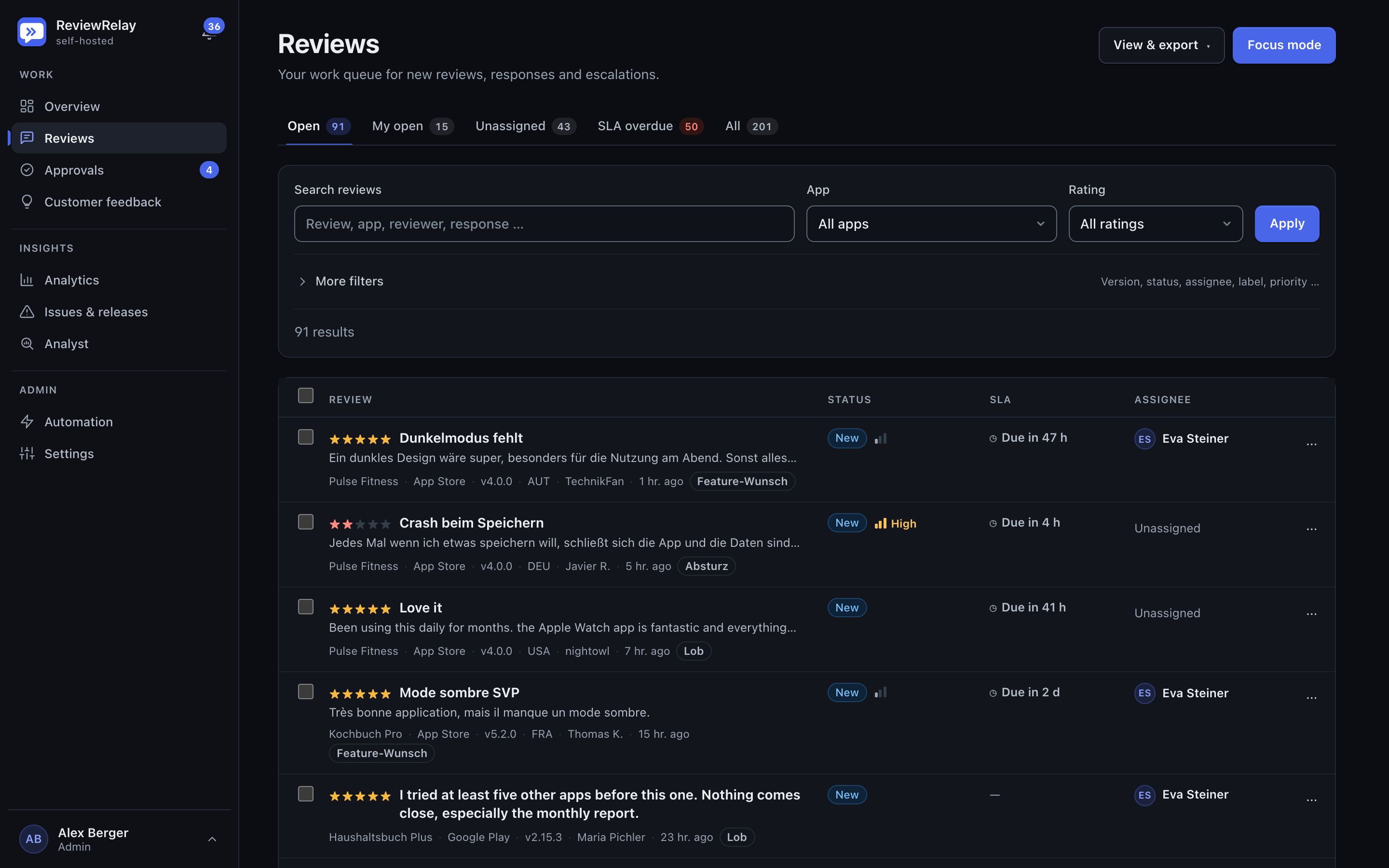
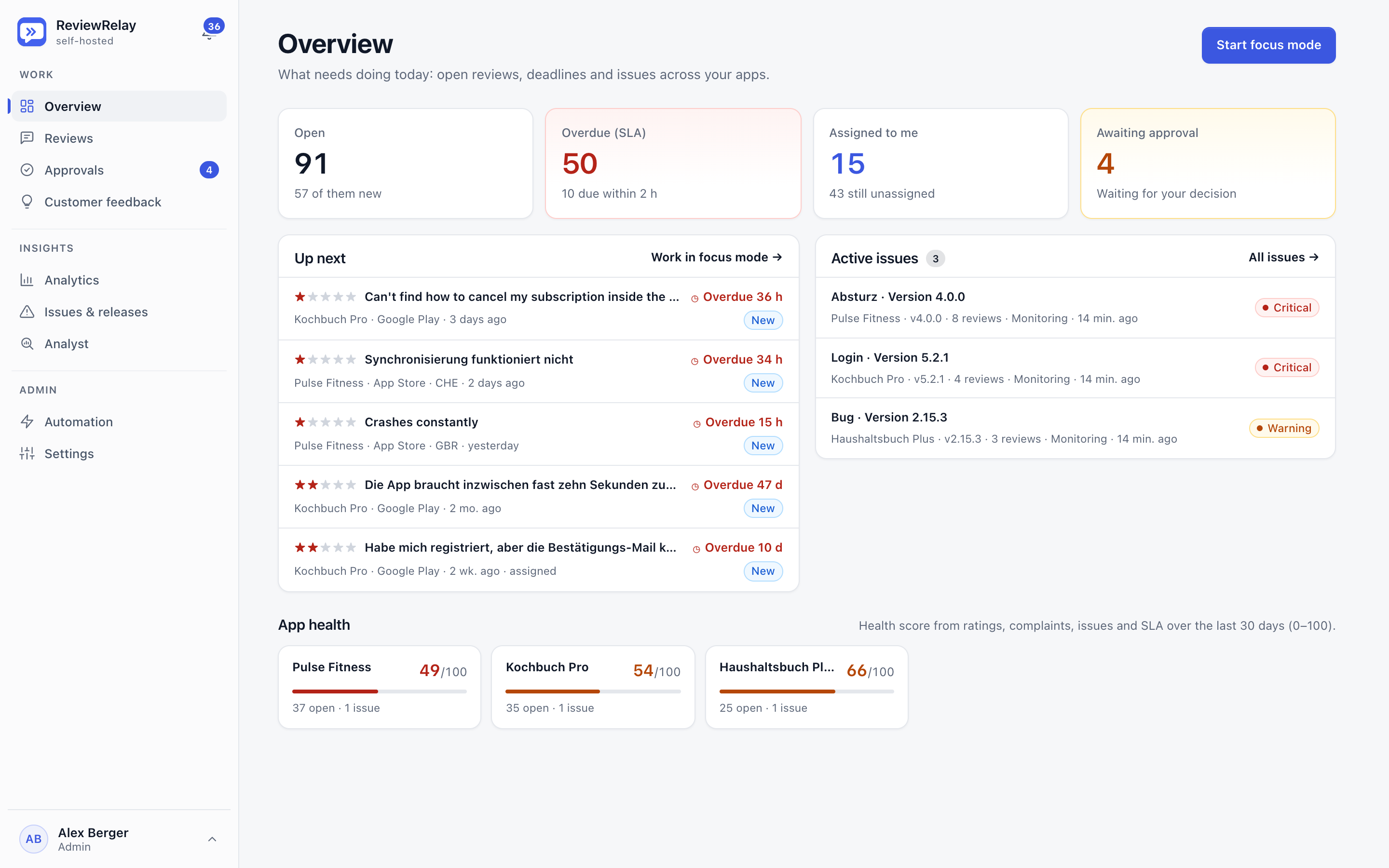
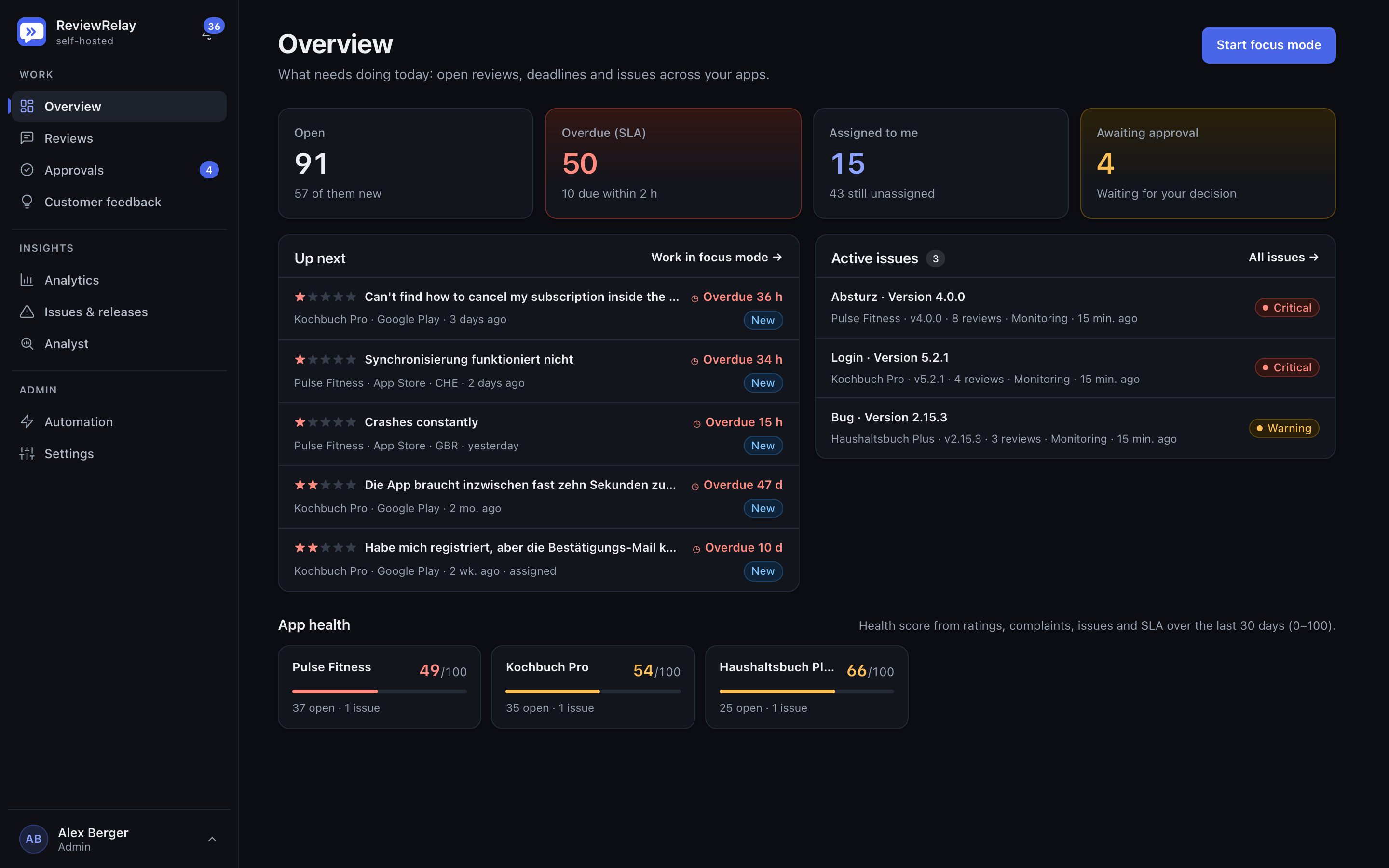
The real interface with demo data, in light and dark mode.
The work queue combines App Store and Google Play reviews with filters, status, priority, due dates, assignees and labels.
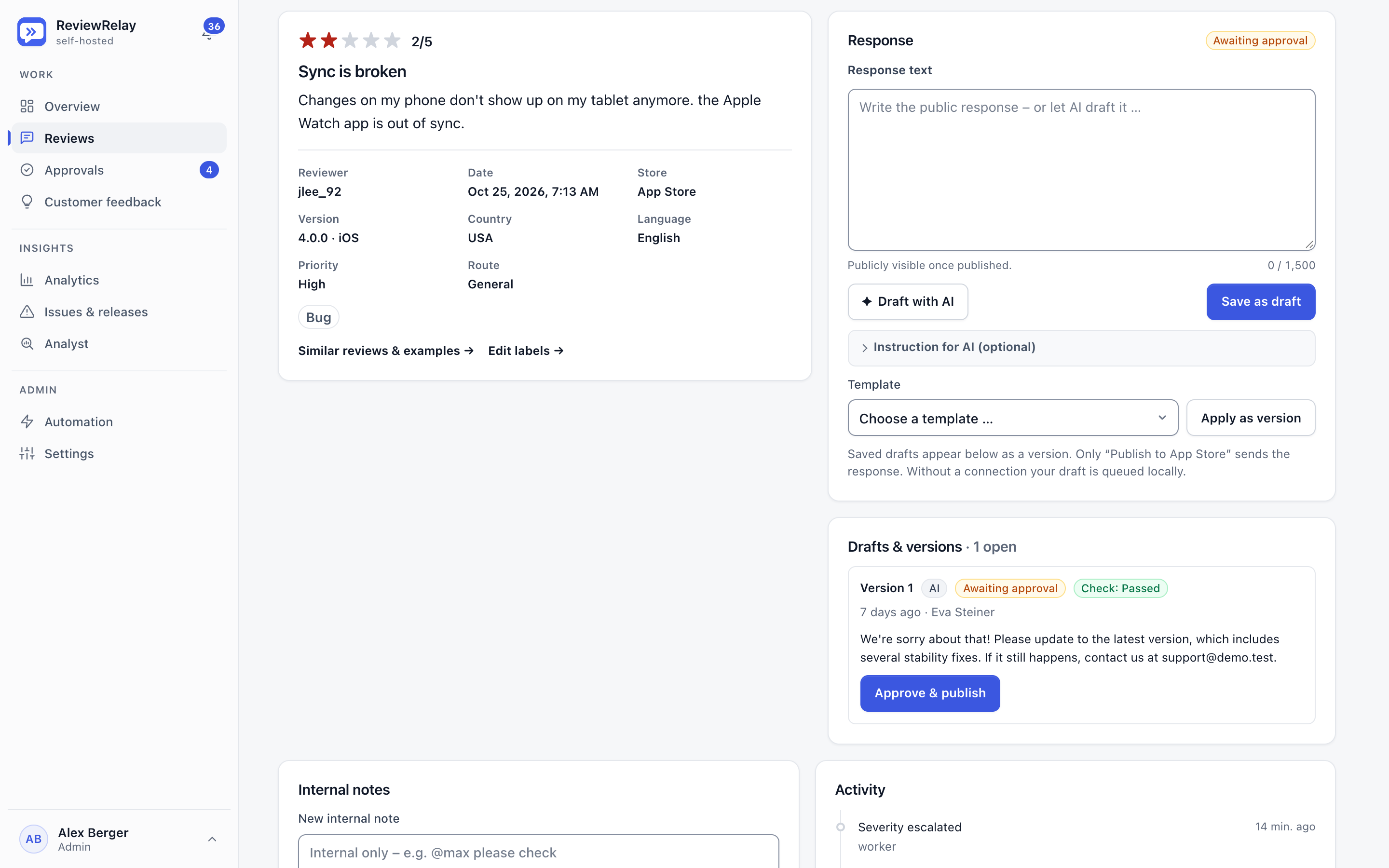
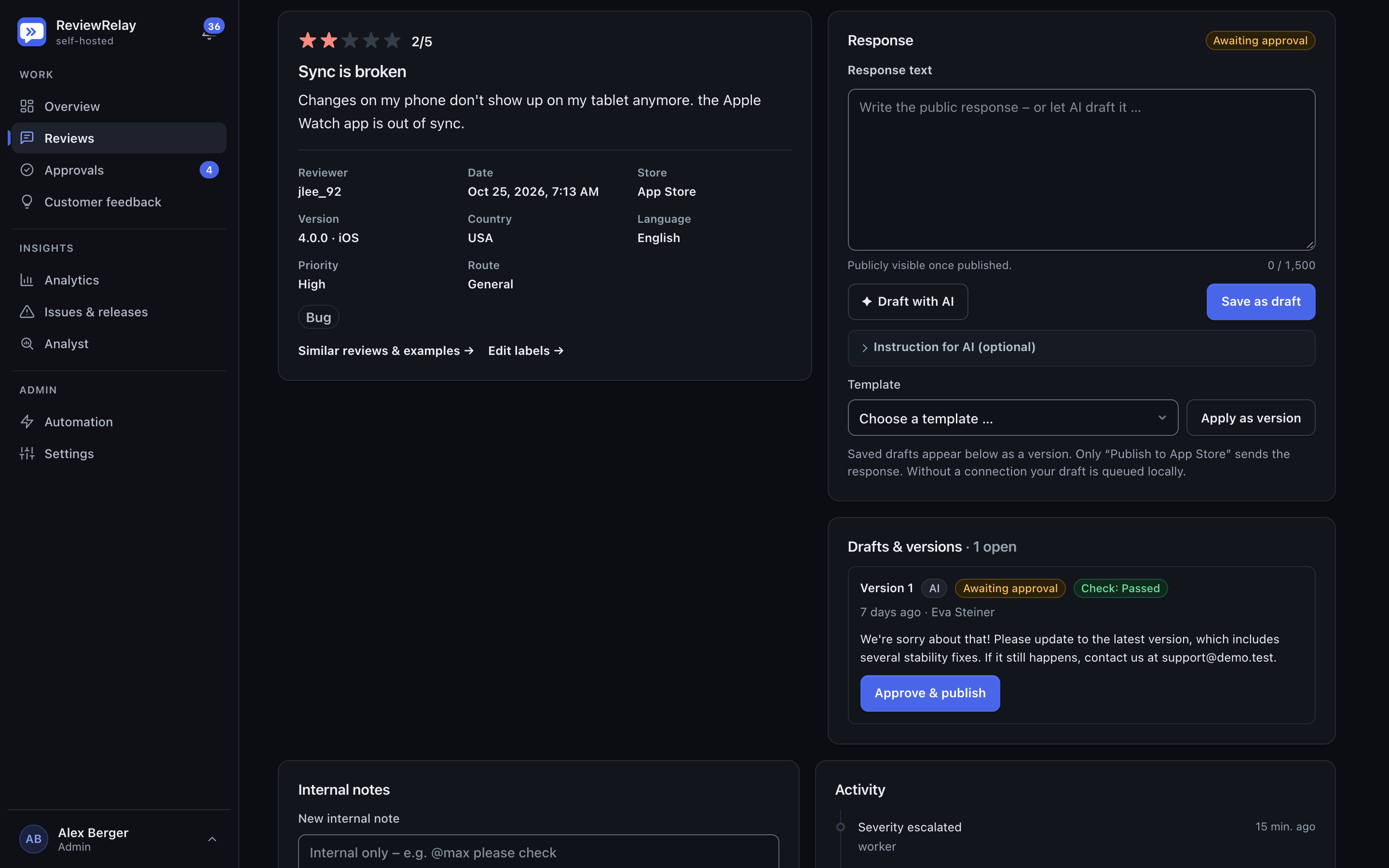
The review detail shows the rating with its metadata next to the response composer and an AI draft that passed the check and awaits approval.
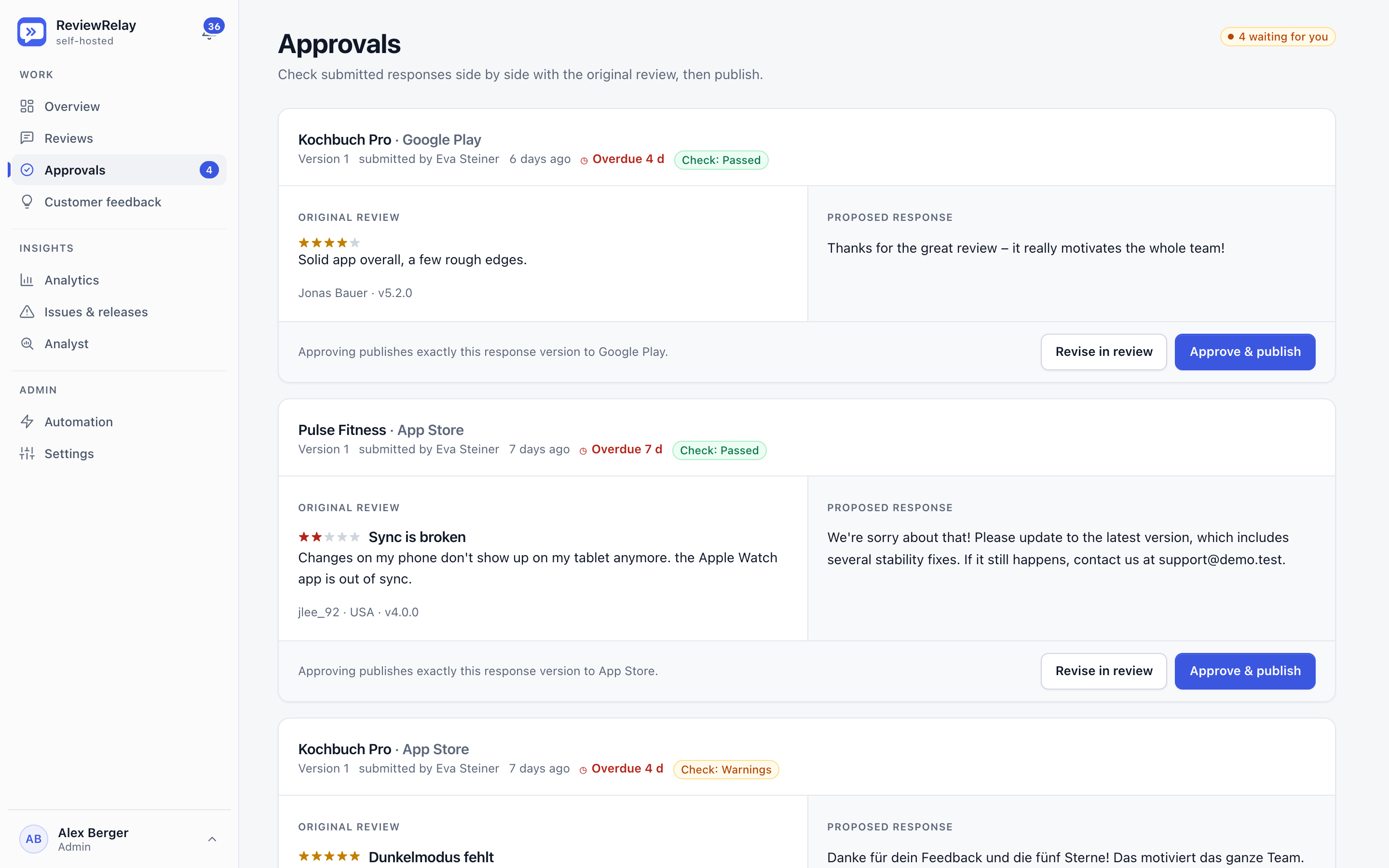
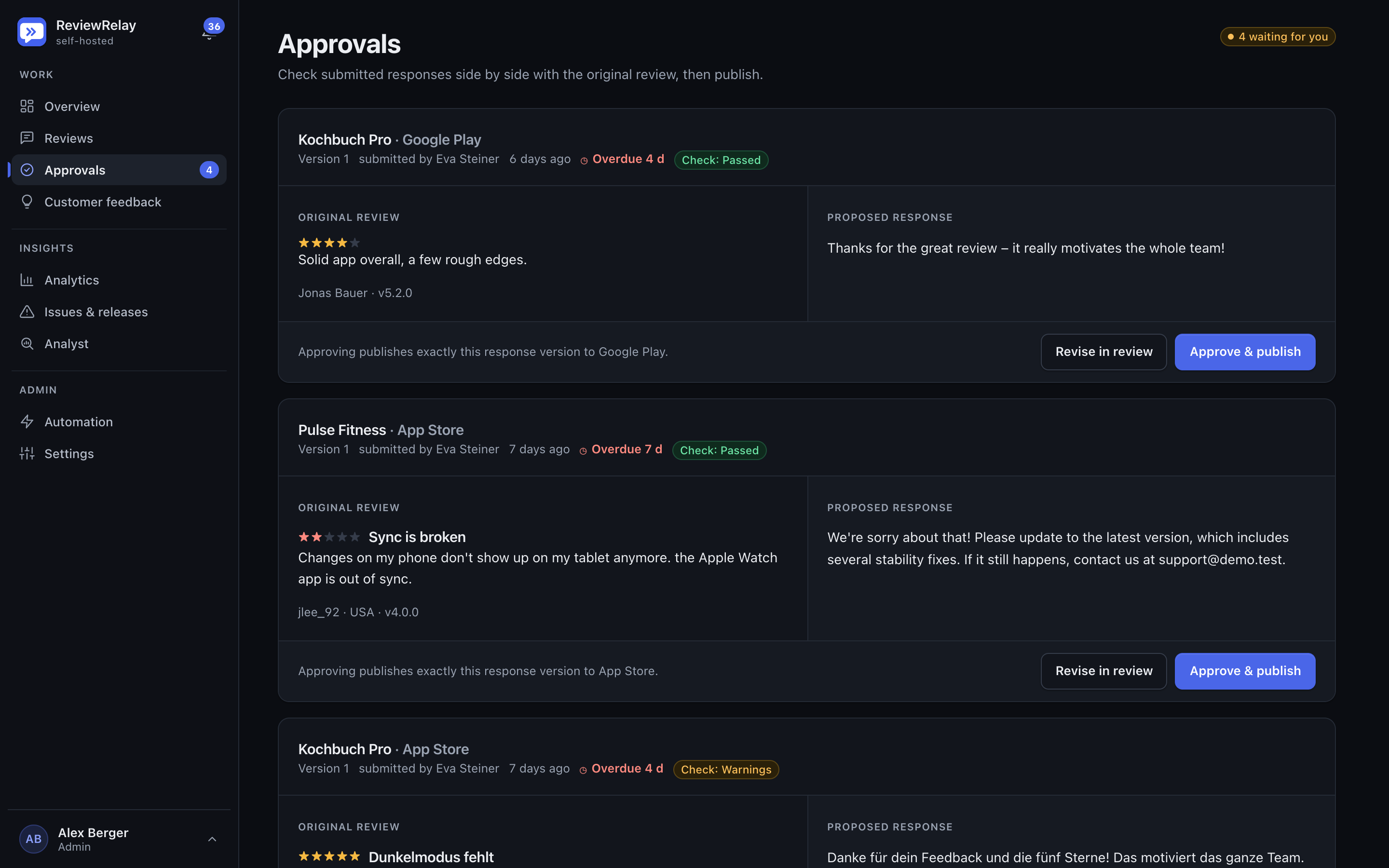
Submitted responses appear next to the original review, with the quality check result, overdue state and actions to revise or approve.
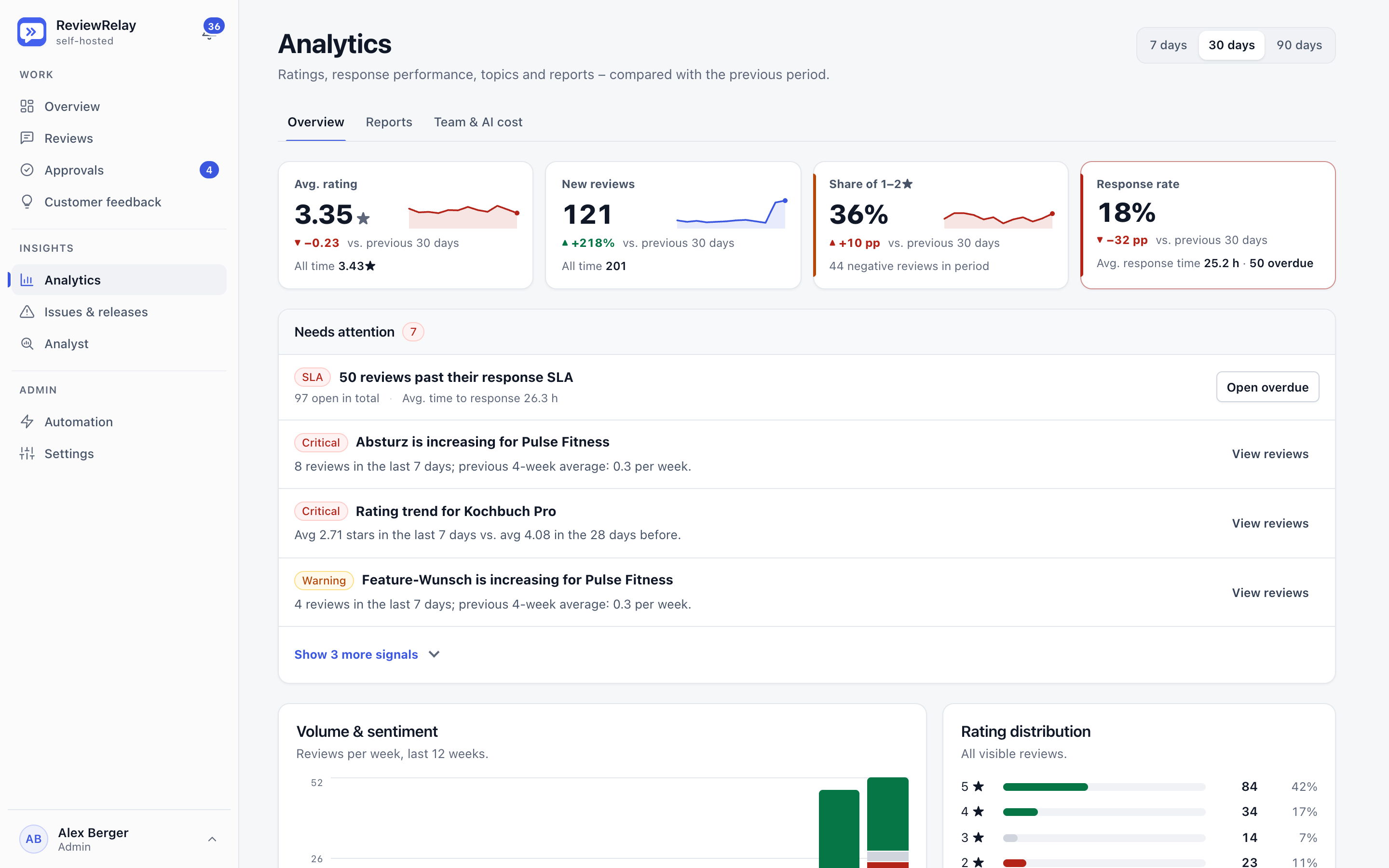
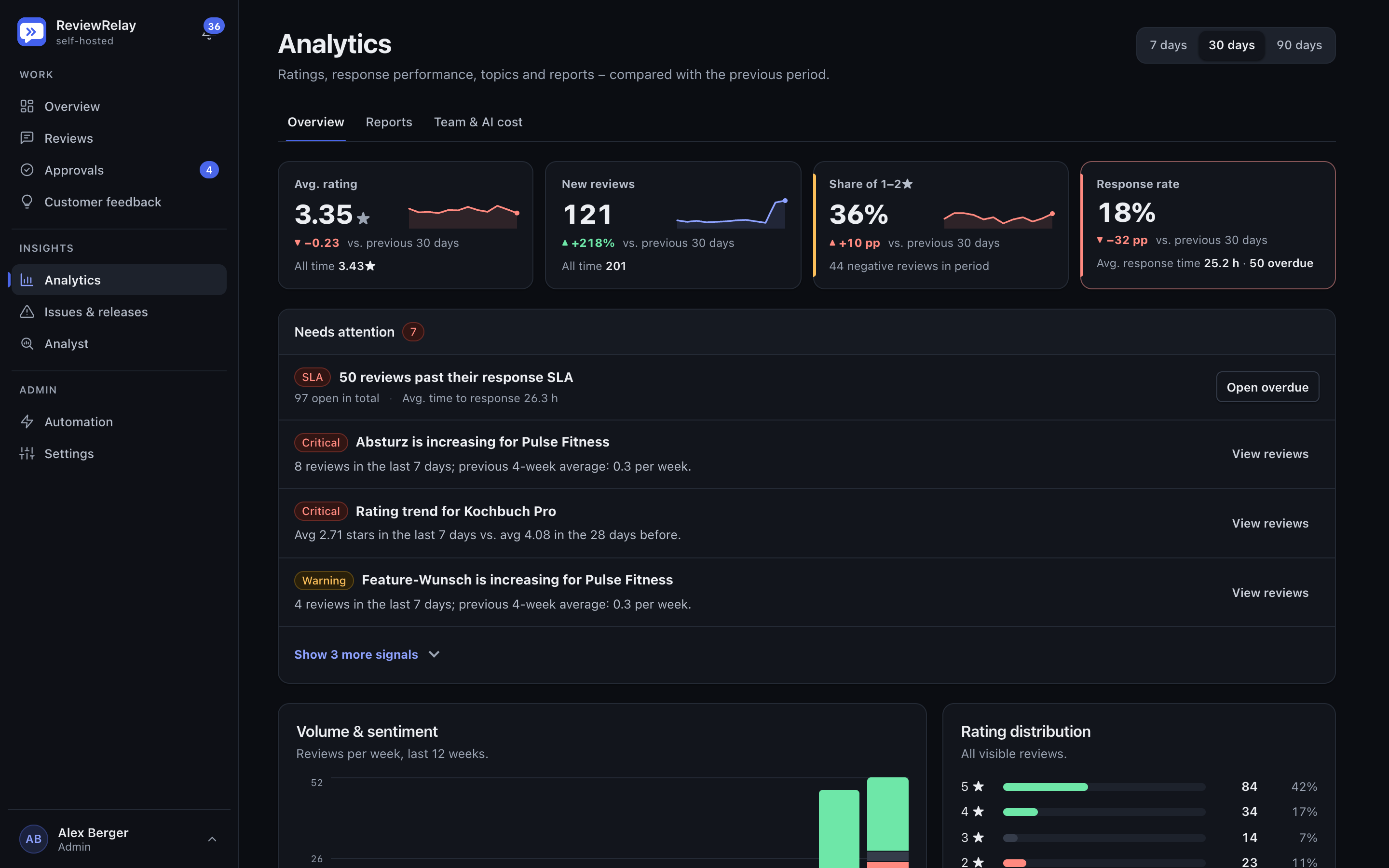
Analytics shows key metrics with trends against the previous period, signals that need attention and the start of the volume and rating distribution charts.
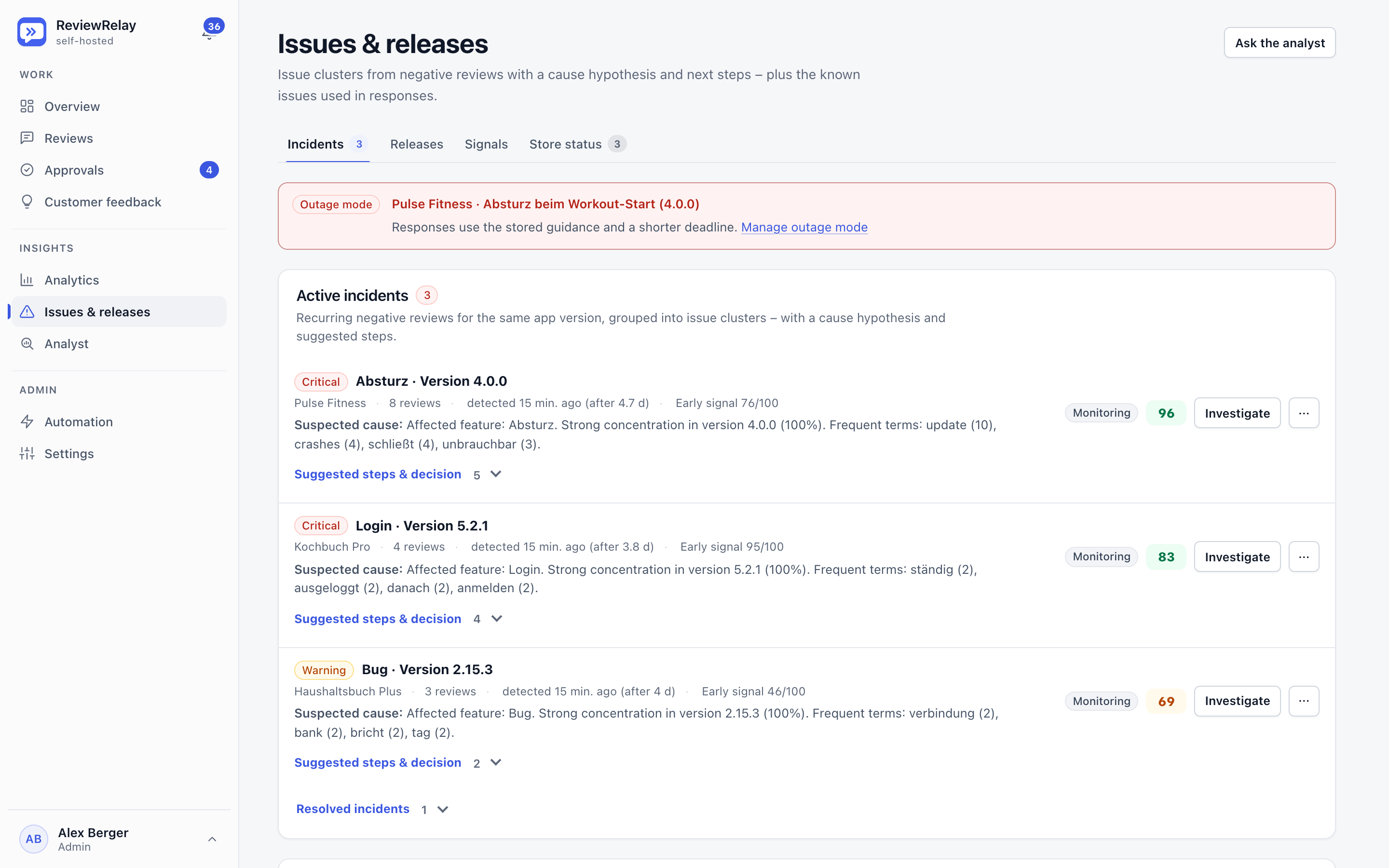
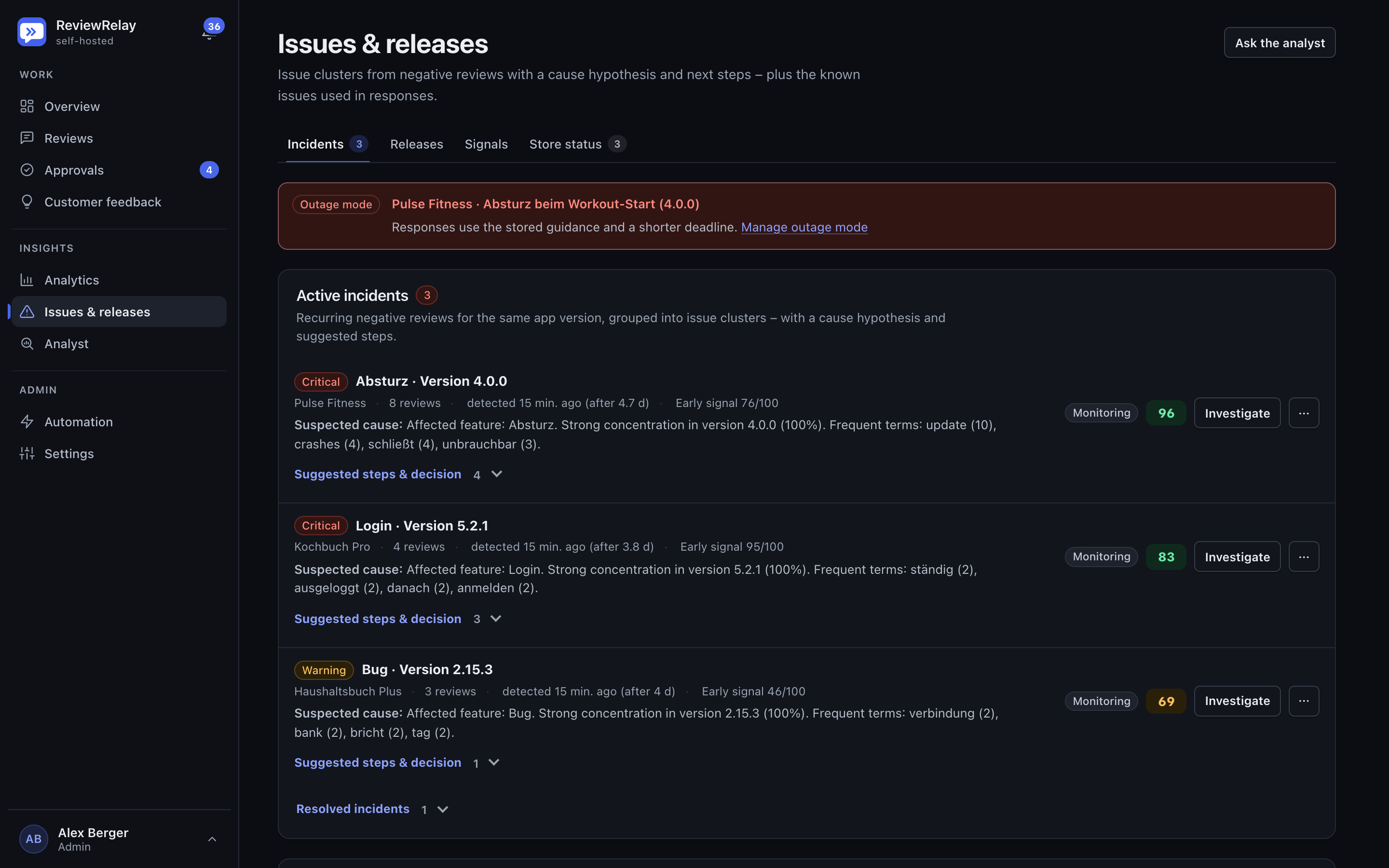
Issue clusters built from negative reviews with severity, suspected cause, early signal and confidence, plus an active outage mode banner.
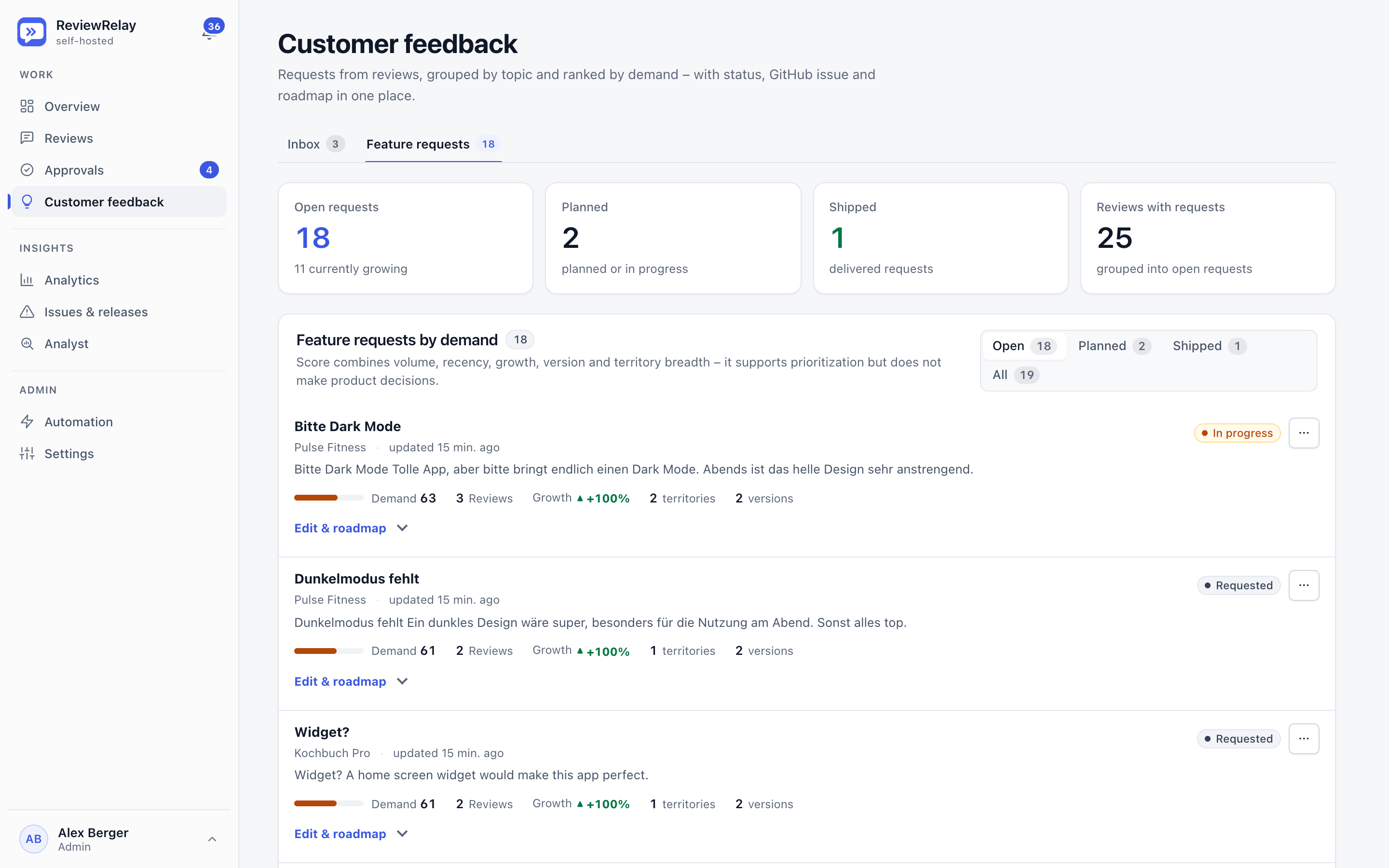
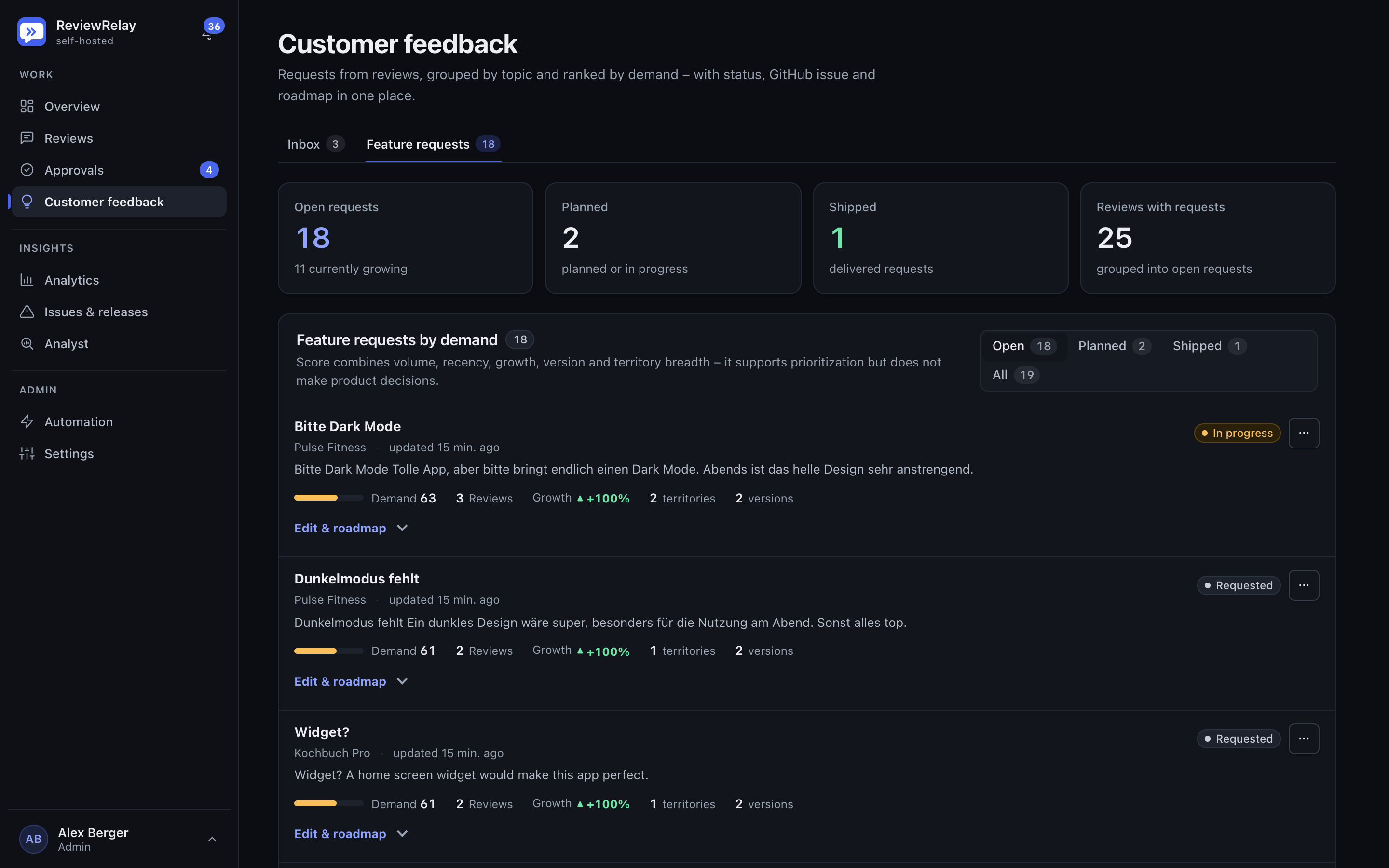
Feature requests grouped from reviews are ranked by demand, with status, growth, territories and versions.
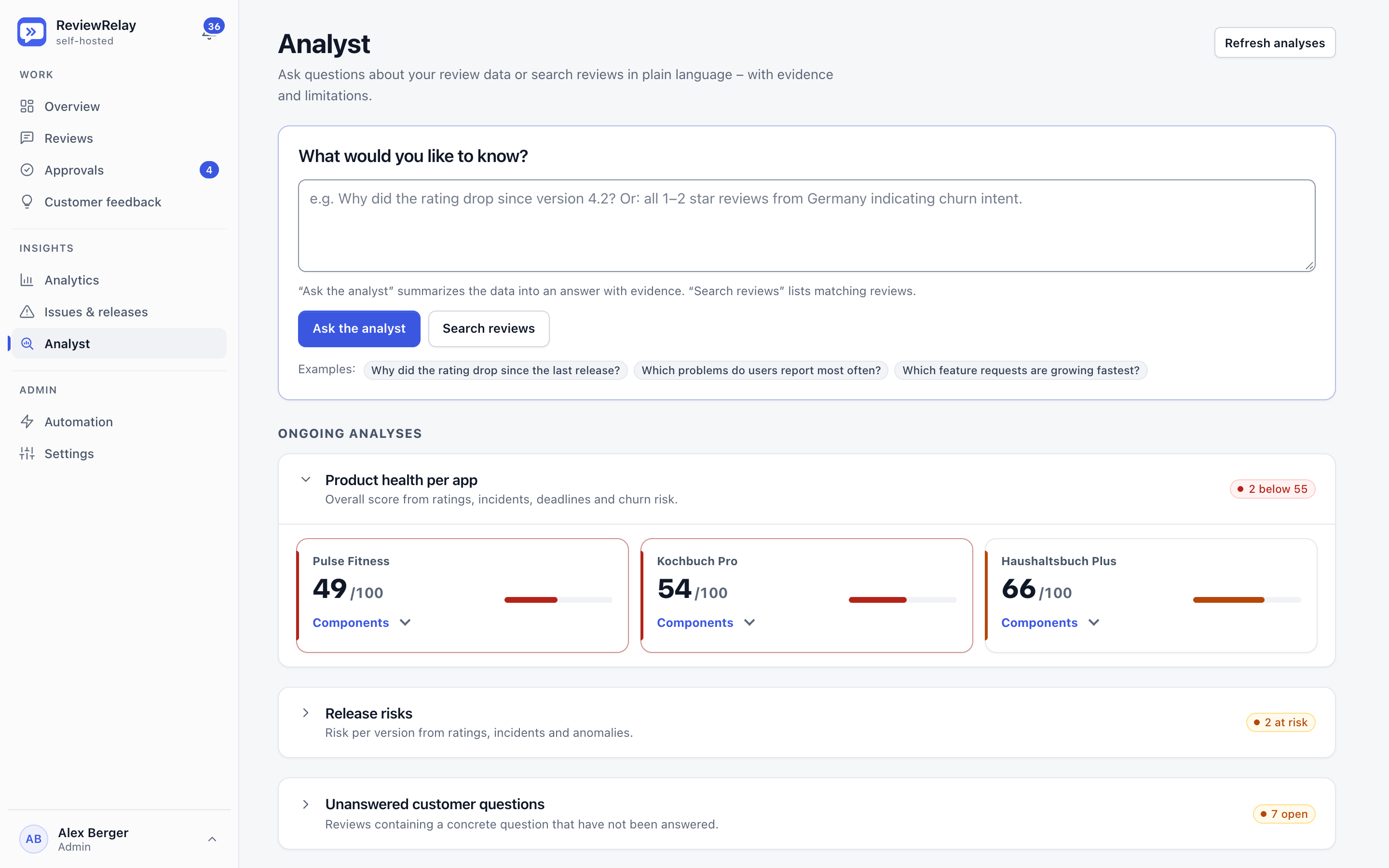
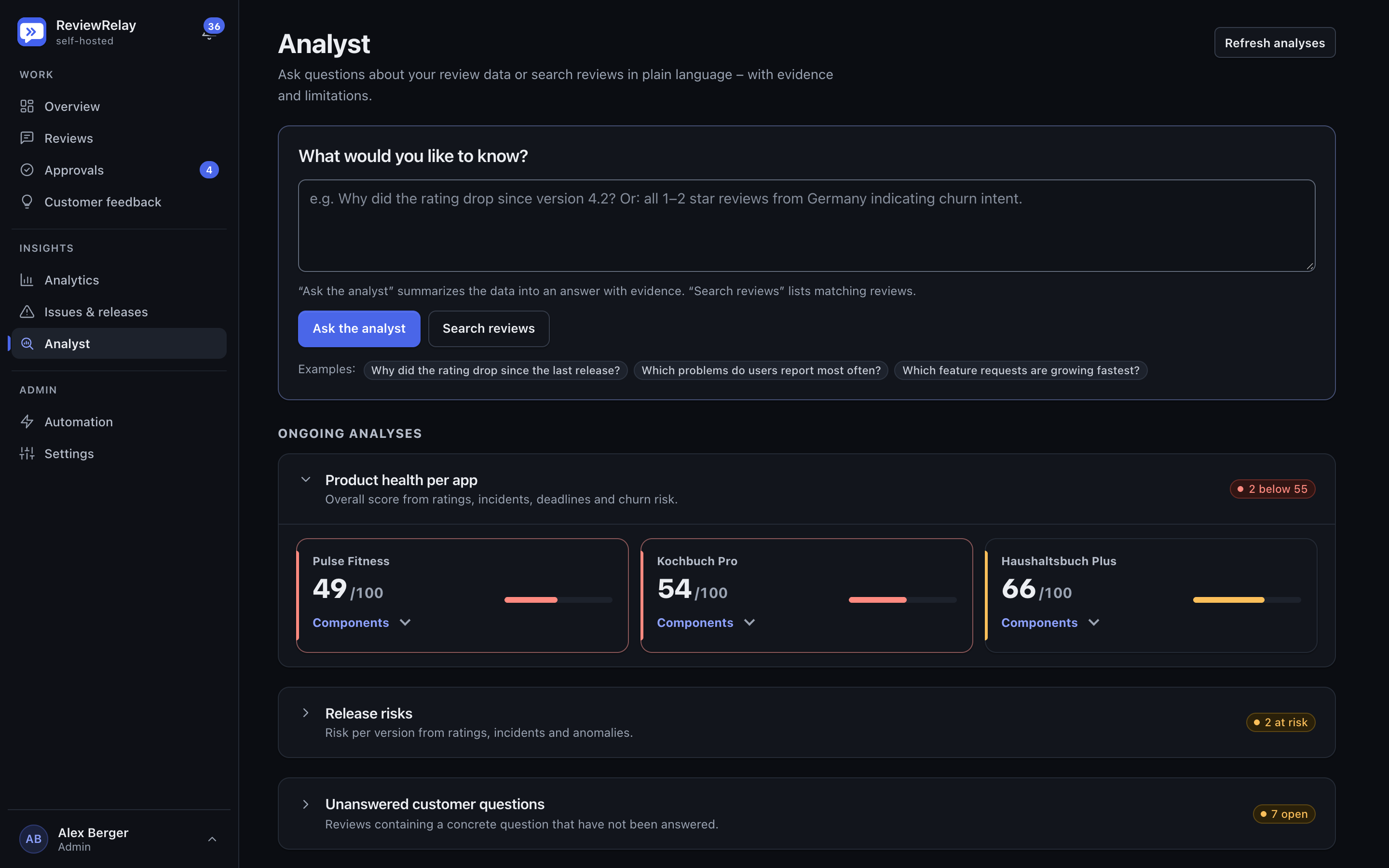
The analyst answers plain-language questions about the review data and shows the product health score per app below.
Security and operations
ReviewRelay runs on your own server. You decide what the AI gets to see and what it may cost.
Every tenant has its own PostgreSQL schema. Policies check every access.
Passkeys, TOTP and OIDC. Passwords hashed with Argon2id, sensitive actions need a fresh confirmation.
Credentials are encrypted with your own master key. Backups are encrypted and restored as a weekly drill.
Privacy settings define what goes to the AI provider. Usage and cost are visible and can be capped.
Elixir and Phoenix with PostgreSQL 17. A single Docker Compose command gets you started.
Outgoing requests go through one central layer with protection against SSRF.
FAQ
The Apple App Store through App Store Connect, and Google Play. Reviews in any language are translated and classified.
Only as far as you allow it. Drafts go through the quality gate and the approval rules you define yourself.
In your own PostgreSQL database on your own server. Only what your privacy settings allow is sent to the AI provider you configure.
With Docker Compose: one app and PostgreSQL 17. On first visit the setup wizard creates the first administrator, after which you can add tenants and apps.
Yes. The whole interface comes in German and English, each in light and dark mode.